
Many mizer functions return values that depend on species and either size or
time. plot() creates a ggplot2 figure with one line for each species
showing the values against size or against time (depending on the type of
output). plotHover() creates an interactive version of the same figure.
Details
This works because the mizer functions that give values that depend on
species and size return an ArraySpeciesBySize object and those that
give values that depend on species and time return an ArrayTimeBySpecies
object. These objects have attributes that store the name of the value,
its units, and a reference to the MizerParams object that the value was
computed from. This allows the plots to be automatically labelled and
coloured appropriately.
The resource classes ArrayResourceBySize and ArrayTimeByResourceBySize
work the same way, except that they hold a single spectrum rather than one
per species.
To compare two mizer arrays in a single plot, use plot2(). To show the
relative difference between two arrays, use plotRelative(). To add an array
to an existing plot, use addPlot(). All three, and animate(), have
methods for every mizer array class.
All methods return a ggplot2 object, unless return_data = TRUE, in
which case they return the underlying data frame instead. plotHover()
returns a plotly object.
Arguments used by all methods:
speciesCharacter vector of species to include.
NULL(default) means all species.highlightName or vector of names of the species to be highlighted.
totalA boolean value that determines whether the total is plotted as well. The total is the total of everything the array holds, every species and every size, whatever is drawn. Default is
FALSE.backgroundA boolean value that determines whether background species are included. Ignored if the model does not contain background species. Default is
TRUE.return_dataIf
TRUE, return the data frame instead of the plot.log_xIf
TRUE, use a log10 x-axis. The default depends on the method; see its own help page.log_yIf
TRUE, use a log10 y-axis. The default depends on the method; see its own help page.logCharacter string specifying which axes should use log10 scales, in the same form as the base
plot()argument. For example,"x","y","xy"or"". If supplied, this overrideslog_xandlog_y.ylimA numeric vector of length two providing lower and upper limits for the value (y) axis. Use
NAto refer to the existing minimum or maximum.y_ticksThe approximate number of ticks desired on the y axis.
Additional arguments for plot.ArraySpeciesBySize() and
plot.ArrayTimeBySpeciesBySize():
all.sizesIf
FALSE(default), values outside a species' size range (w_mintow_max) are removed.wlimA numeric vector of length two providing lower and upper limits for the weight (x) axis. Use
NAto refer to the existing minimum or maximum.llimA numeric vector of length two providing lower and upper limits for the length (x) axis when
size_axis = "l". UseNAto refer to the existing minimum or maximum.size_axisWhether to plot size as weight (
"w", default) or length ("l"), using the allometric weight-length relationship. Densities are transformed to match the chosen axis.per_log_sizeFor an array that holds a density, whether to plot it per logarithmic size (
TRUE) rather than per size (FALSE). The default,NULL, plots the density as it stands. Unlikesize_axisthis needs no weight-length relationship, so it is available for the resource classes too. An error for an array that does not hold a density.
Additional argument for plot.ArrayTimeBySpecies():
tlimA numeric vector of length two providing lower and upper limits for the time axis, e.g.
c(1980, 2000). UseNAto apply no limit at that end. Default isc(NA, NA).
Additional argument for plot.ArrayTimeBySpeciesBySize() and
plot.ArrayTimeByResourceBySize():
timeThe time to display. Default (
NULL) is the final time step.
See the individual method help pages for each method's exact arguments and
defaults: plot.ArraySpeciesBySize(), plot.ArrayTimeBySpecies(),
plot.ArrayTimeBySpeciesBySize(), plot.ArrayResourceBySize(),
plot.ArrayTimeByResourceBySize().
See also
Other plotting functions:
addPlot(),
animate(),
plot2(),
plotBiomass(),
plotCDF(),
plotCDF2(),
plotDiet(),
plotFMort(),
plotFeedingLevel(),
plotGrowthCurves(),
plotMizerParams,
plotMizerSim,
plotPredMort(),
plotRelative(),
plotSpectra(),
plotSpectra2(),
plotSpectraRelative(),
plotYield(),
plotYieldGear(),
plotYieldVsF(),
plotting_functions
Examples
# \donttest{
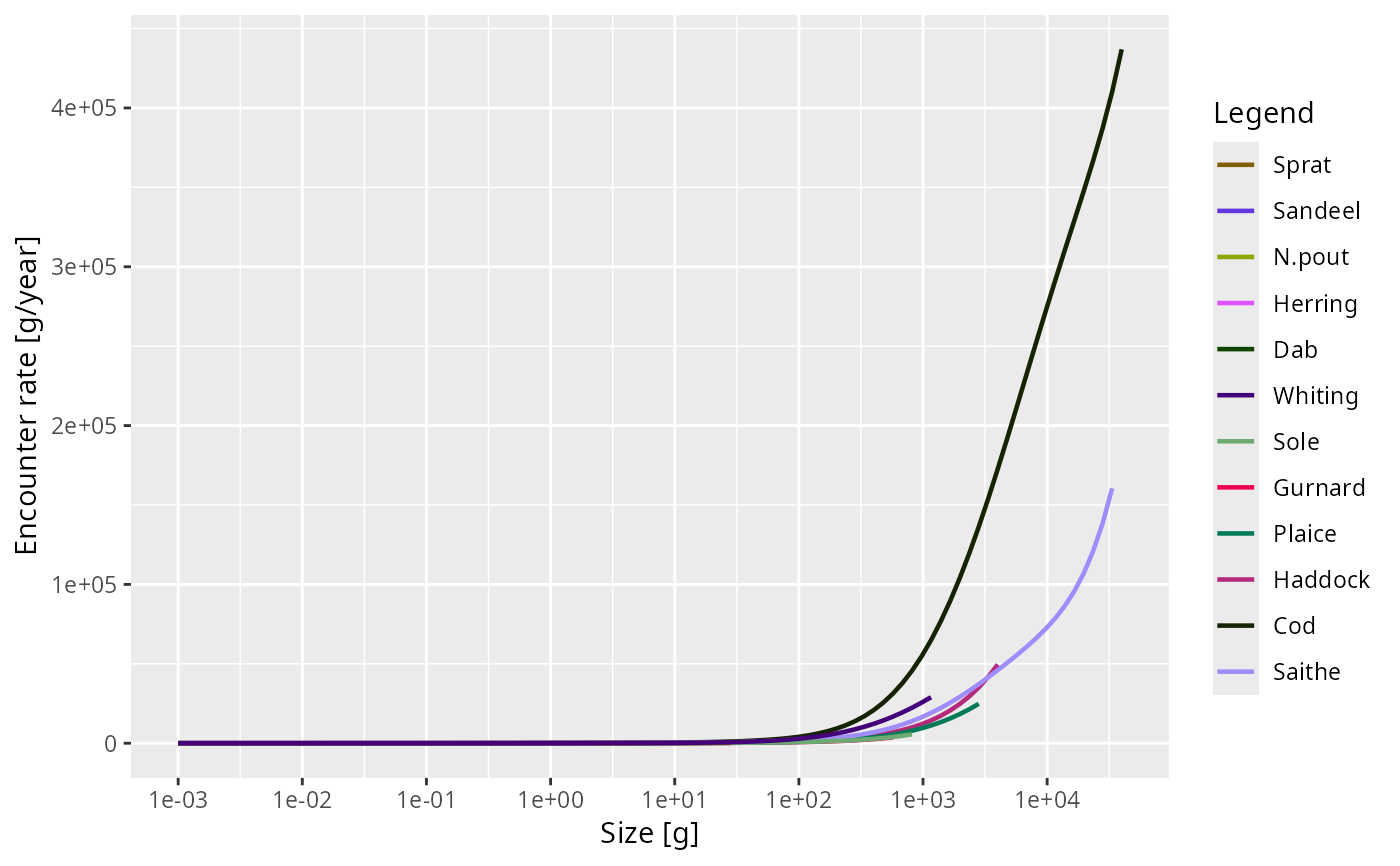
plot(getEncounter(NS_params))
#> ℹ No `a` column so using a = 0.01 in w = a l^b, with w in g and l in cm.
#> ℹ No `b` column so using the isometric default b = 3 in w = a l^b.
#> ℹ No `a` column so using a = 0.01 in w = a l^b, with w in g and l in cm.
#> ℹ No `b` column so using the isometric default b = 3 in w = a l^b.
#> ℹ No `a` column so using a = 0.01 in w = a l^b, with w in g and l in cm.
#> ℹ No `b` column so using the isometric default b = 3 in w = a l^b.
#> ℹ No `a` column so using a = 0.01 in w = a l^b, with w in g and l in cm.
#> ℹ No `b` column so using the isometric default b = 3 in w = a l^b.
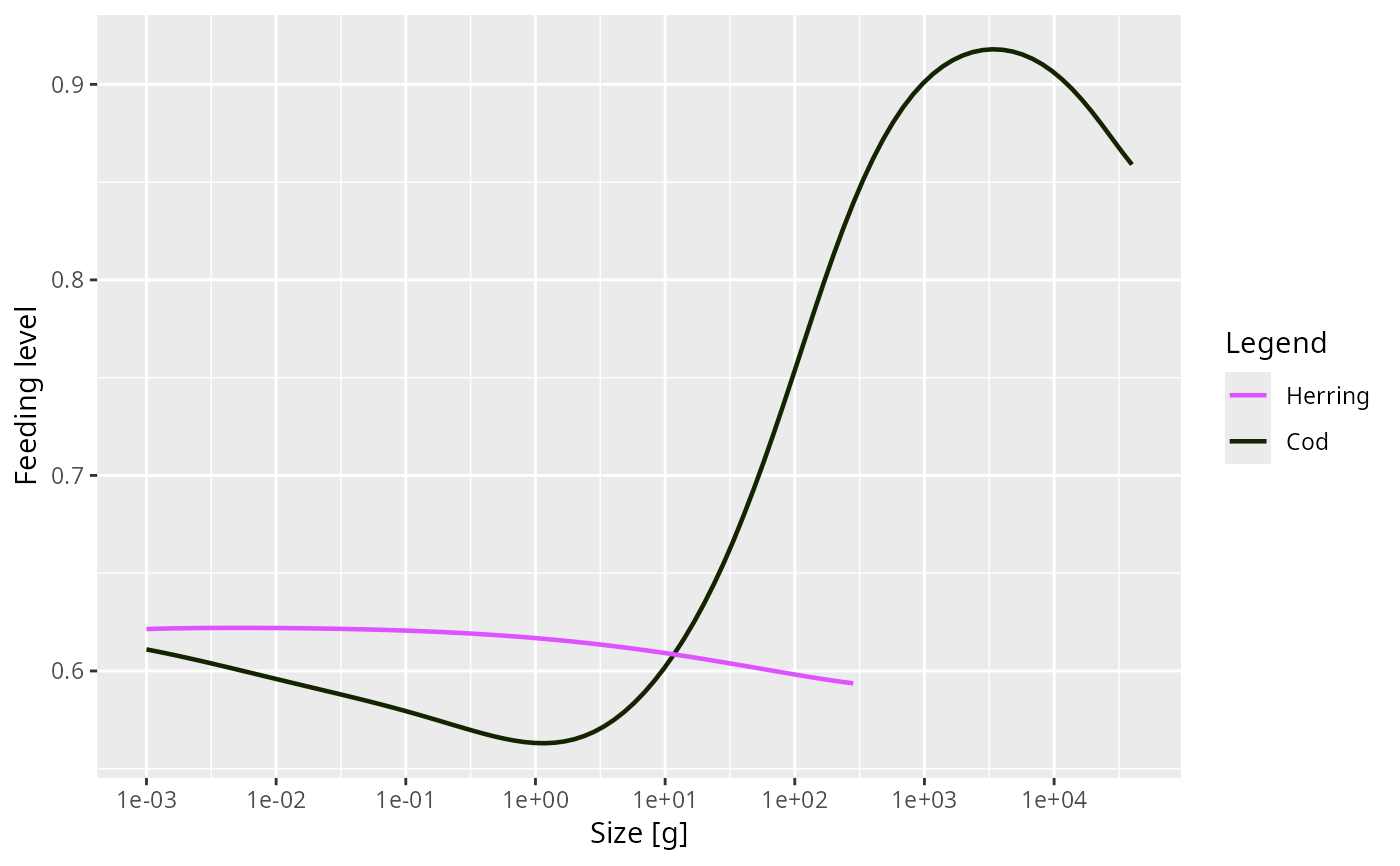
 plot(getFeedingLevel(NS_params), species = c("Cod", "Herring"))
#> ℹ No `a` column so using a = 0.01 in w = a l^b, with w in g and l in cm.
#> ℹ No `b` column so using the isometric default b = 3 in w = a l^b.
plot(getFeedingLevel(NS_params), species = c("Cod", "Herring"))
#> ℹ No `a` column so using a = 0.01 in w = a l^b, with w in g and l in cm.
#> ℹ No `b` column so using the isometric default b = 3 in w = a l^b.
 plot(getPredMort(NS_params), species = c("Cod", "Herring"),
size_axis = "l")
#> ℹ No `a` column so using a = 0.01 in w = a l^b, with w in g and l in cm.
#> ℹ No `b` column so using the isometric default b = 3 in w = a l^b.
plot(getPredMort(NS_params), species = c("Cod", "Herring"),
size_axis = "l")
#> ℹ No `a` column so using a = 0.01 in w = a l^b, with w in g and l in cm.
#> ℹ No `b` column so using the isometric default b = 3 in w = a l^b.
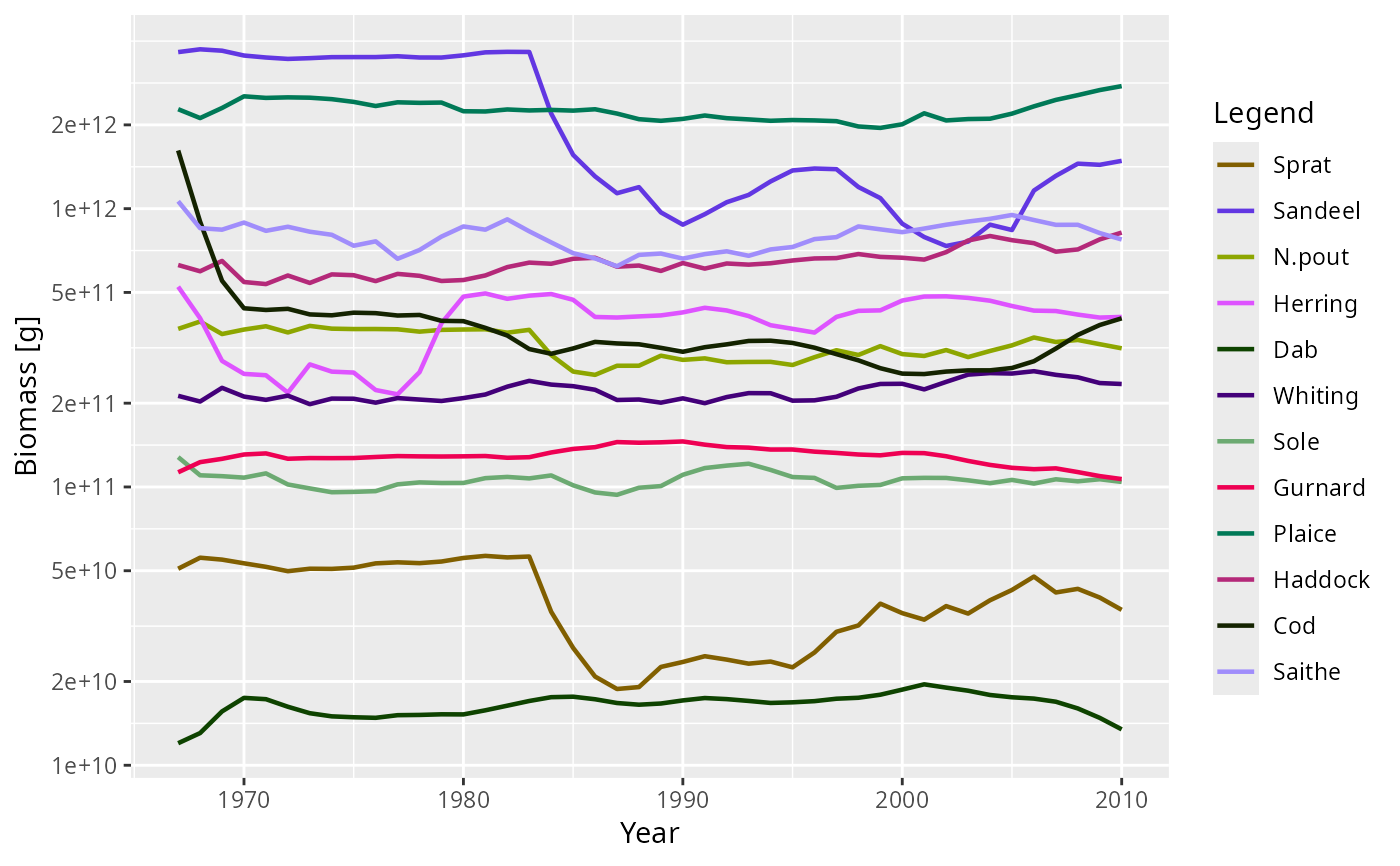 plot(getBiomass(NS_sim))
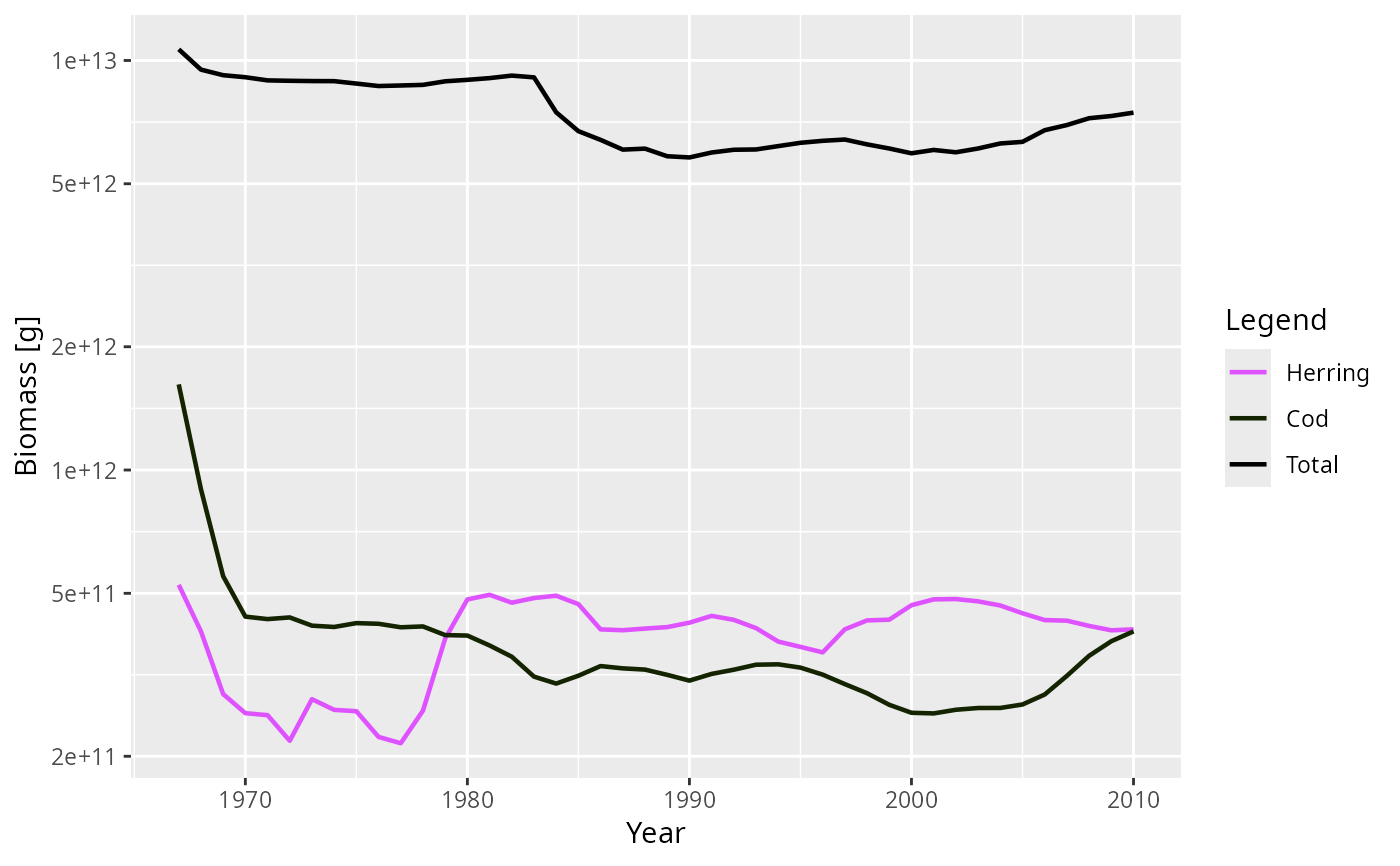 plot(getBiomass(NS_sim), species = c("Cod", "Herring"), total = TRUE)
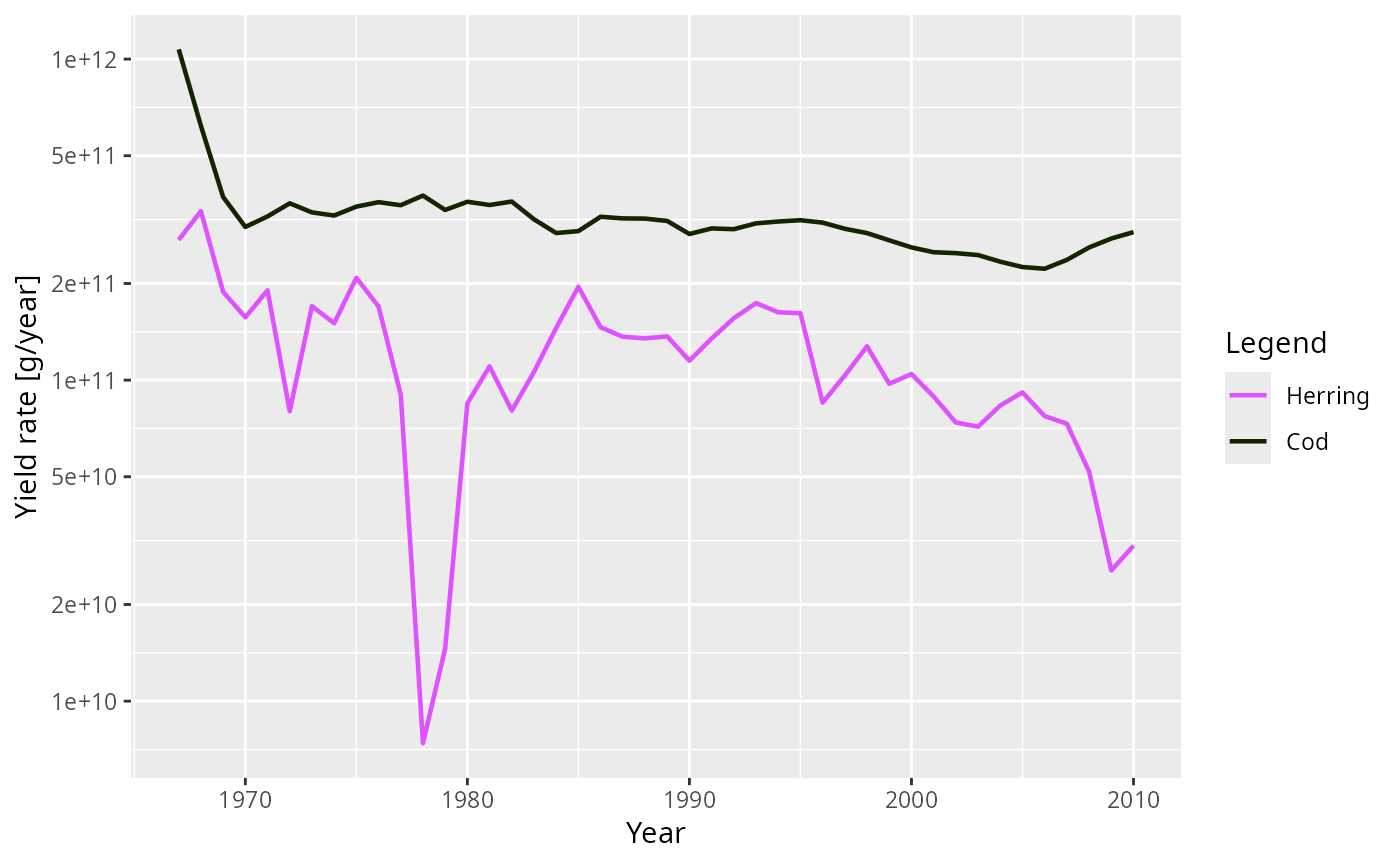 plot(getYield(NS_sim), species = c("Cod", "Herring"))
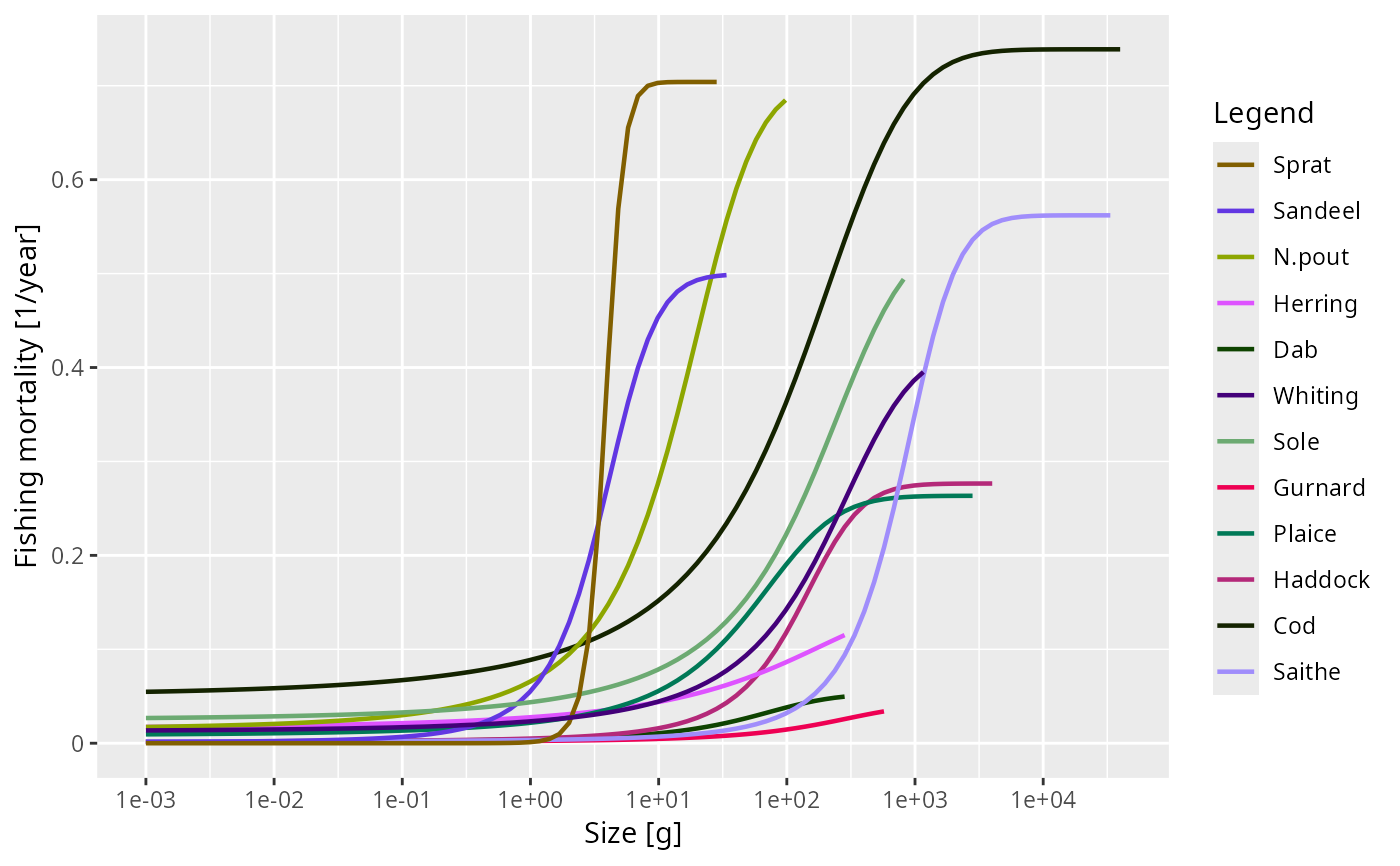
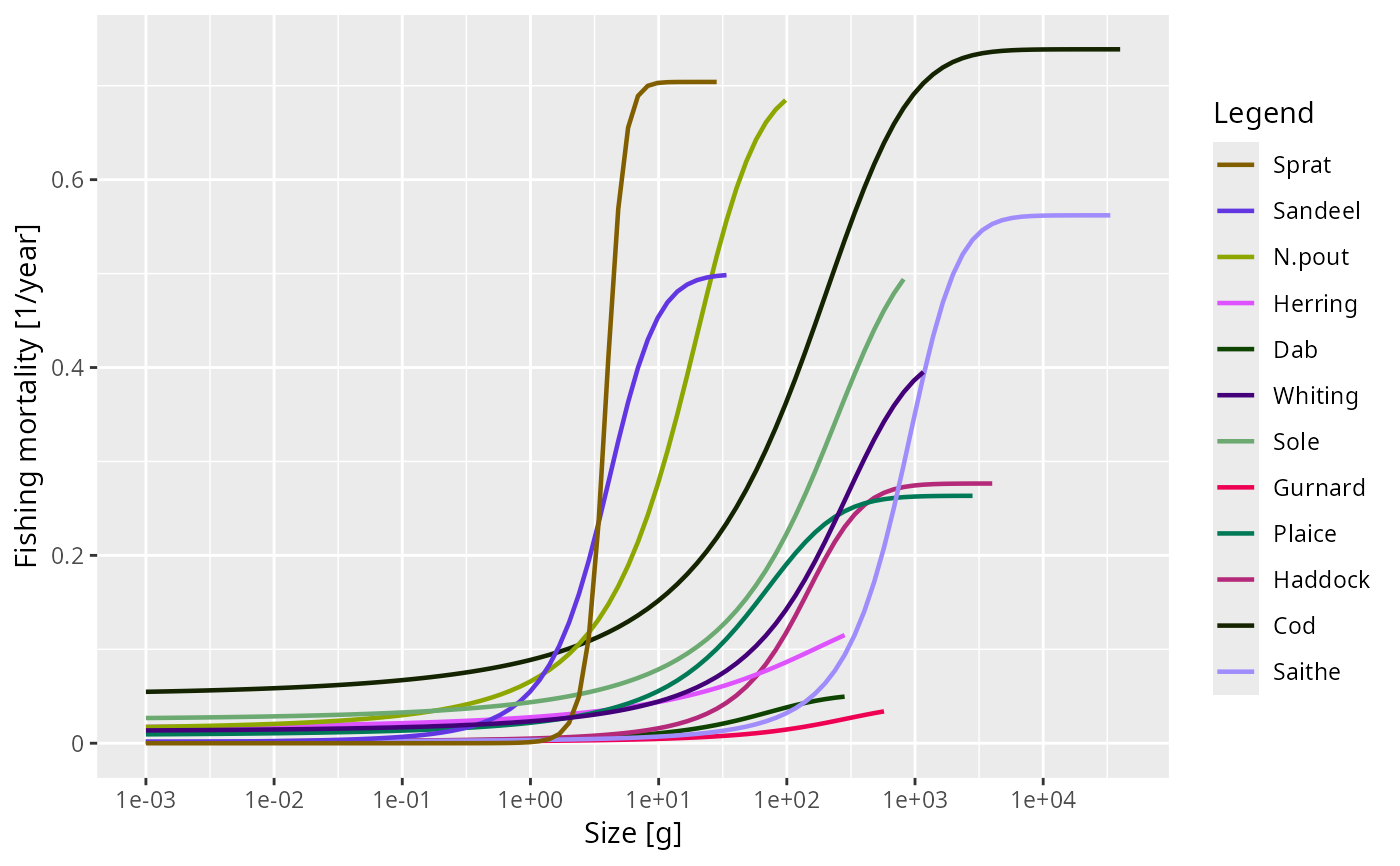 plot(getFMort(NS_sim), time = 2010)
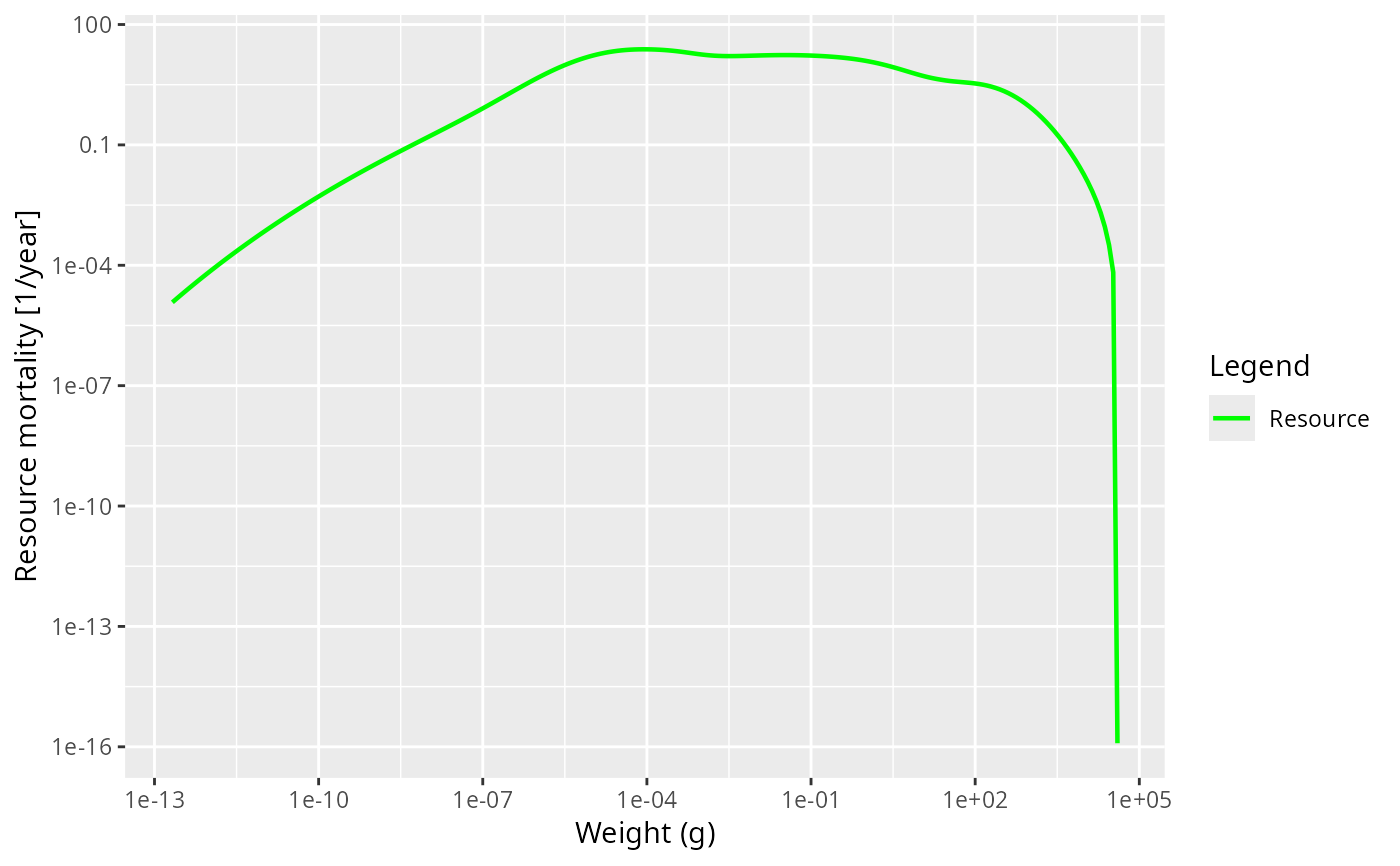
 plot(getResourceMort(NS_params))
#> ℹ No `a` column so using a = 0.01 in w = a l^b, with w in g and l in cm.
#> ℹ No `b` column so using the isometric default b = 3 in w = a l^b.
plot(getResourceMort(NS_params))
#> ℹ No `a` column so using a = 0.01 in w = a l^b, with w in g and l in cm.
#> ℹ No `b` column so using the isometric default b = 3 in w = a l^b.
 plot(initialNResource(NS_params))
#> ℹ No `a` column so using a = 0.01 in w = a l^b, with w in g and l in cm.
#> ℹ No `b` column so using the isometric default b = 3 in w = a l^b.
plot(initialNResource(NS_params))
#> ℹ No `a` column so using a = 0.01 in w = a l^b, with w in g and l in cm.
#> ℹ No `b` column so using the isometric default b = 3 in w = a l^b.
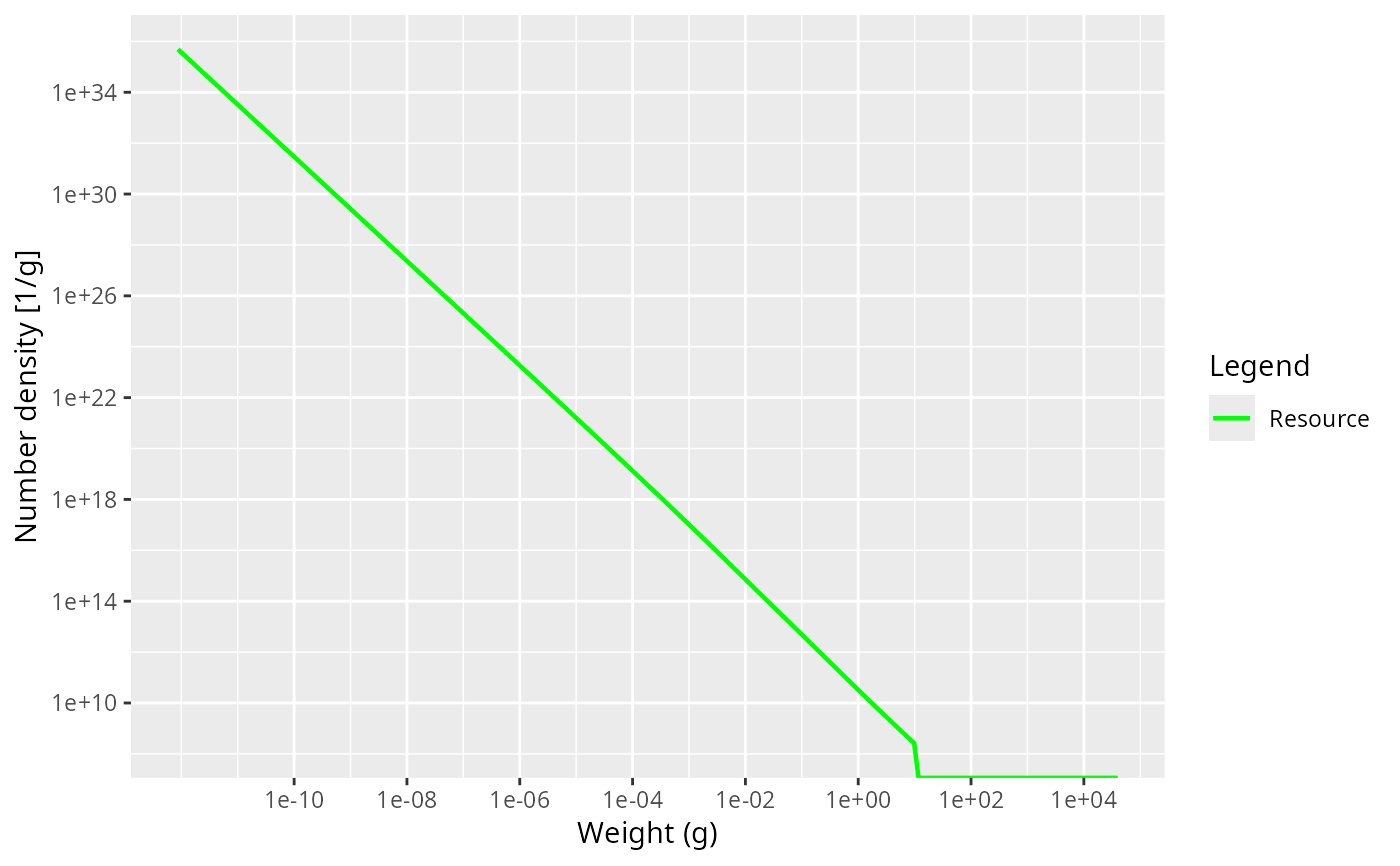
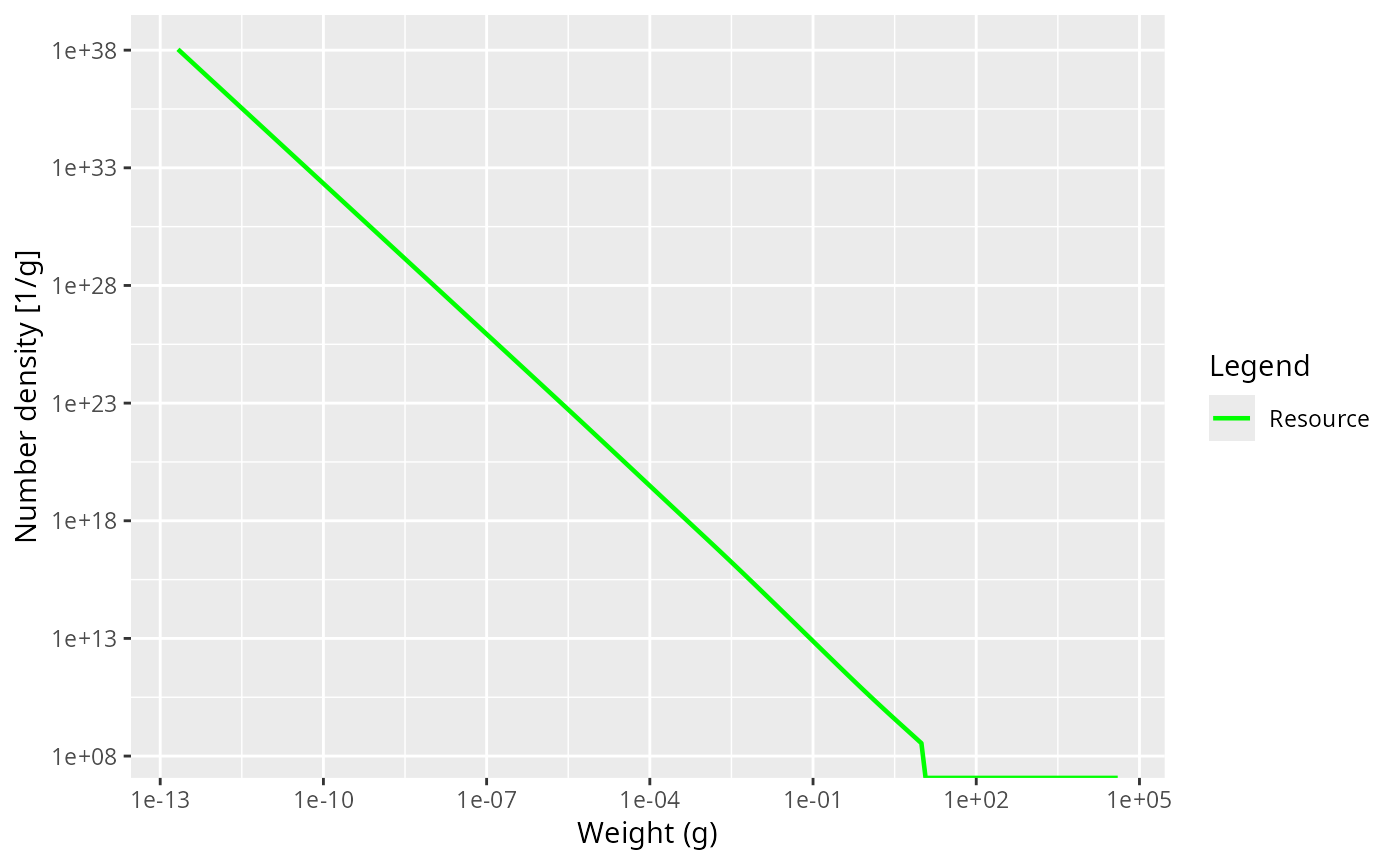 plot(NResource(NS_sim))
 # }
# }